Start with the head
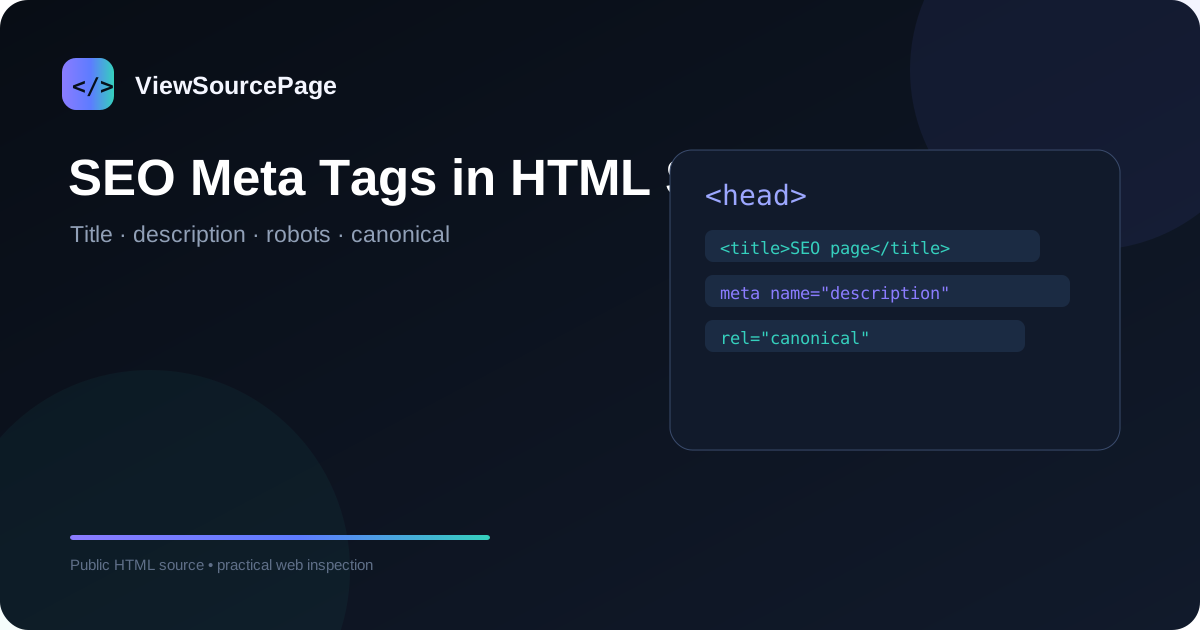
Most core page-level SEO metadata is found inside the HTML head. Open the source and search for title, description, robots, canonical, og:title, og:description and related terms. A clean source review should confirm that the page has a meaningful title and description and that important directives match the page’s intended indexing state.
Continue exploring: Use the ViewSourcePage source analyzer to inspect a public page, then compare your findings with our guide on Canonical Tags Explained: How to Check Them in Page Source.
Title tags
The title element gives the document a concise name. Inspect whether there is one clear title, whether it describes the page accurately and whether it is distinct from titles on other pages. Avoid obsessing over an exact character limit; prioritize clarity, relevance and a natural description of the page topic.
Meta descriptions
The meta description can provide search engines with a useful summary and may influence how a result snippet is presented. In source, look for meta name="description" and examine its content. Make sure it reflects the actual page rather than using a generic site-wide sentence.
Robots meta directives
Search for meta name="robots". Values can include index, noindex, follow and nofollow. A noindex directive can have a major consequence for a page intended to rank, so it should be checked carefully. Also remember that robots.txt and HTTP headers can provide additional instructions.
Canonical links
Look for link rel="canonical". Compare the canonical URL with the current page. A canonical is a strong technical signal, but it should point to a real, preferred version of substantially equivalent content. Common problems include wrong hostnames, HTTP/HTTPS mismatches and self-canonicals that accidentally point elsewhere.
Language and international SEO
The html lang attribute is useful for accessibility and language identification. Multilingual sites may also use hreflang link elements to indicate alternate language versions. Source inspection can verify that those links exist and point to the intended URLs, although international SEO requires broader site-level consistency.
Open Graph and social metadata
Open Graph elements such as og:title and og:image are not conventional search ranking tags, but they matter for social sharing. Check that the values match the page and that the image URL is valid. Twitter/X metadata may also appear depending on the implementation.
Structured data
Search for application/ld+json scripts. These can contain Article, Organization, BreadcrumbList and other schema types. Source inspection confirms presence and basic content, while a schema validator is better for detailed syntax and eligibility checks.
A repeatable checklist
For each page, record title, description, robots, canonical, lang, hreflang, Open Graph and structured data. Then compare those values with the visible page and the site’s SEO strategy. This process is faster and more reliable when documented as a checklist rather than performed from memory.
What source inspection cannot tell you
Source does not provide a complete ranking diagnosis. It cannot tell you whether Google has indexed the URL, what queries it ranks for, how competitors perform, or whether backlinks are strong. Those questions require Search Console, analytics, crawling and broader SEO research.
Conclusion
Finding SEO metadata in source is a straightforward technical skill. Once you know the key HTML patterns, you can verify important page signals in seconds and identify obvious configuration issues before moving to more advanced SEO tools.
A practical checklist
Use this checklist when reviewing a real page so the process stays repeatable rather than relying on memory.
- Find title and description
- Check robots and canonical
- Review language and hreflang
- Inspect Open Graph
- Validate structured data
Frequently asked questions
Does source inspection show private backend code?
No. A browser receives only the public response needed to render or process the page. Private application logic, databases, server credentials and protected files remain on the server.
Is a source viewer a replacement for a full audit?
No. It is a focused inspection layer. Use dedicated SEO, accessibility, performance, security and analytics tools when you need deeper evidence.
Final thoughts
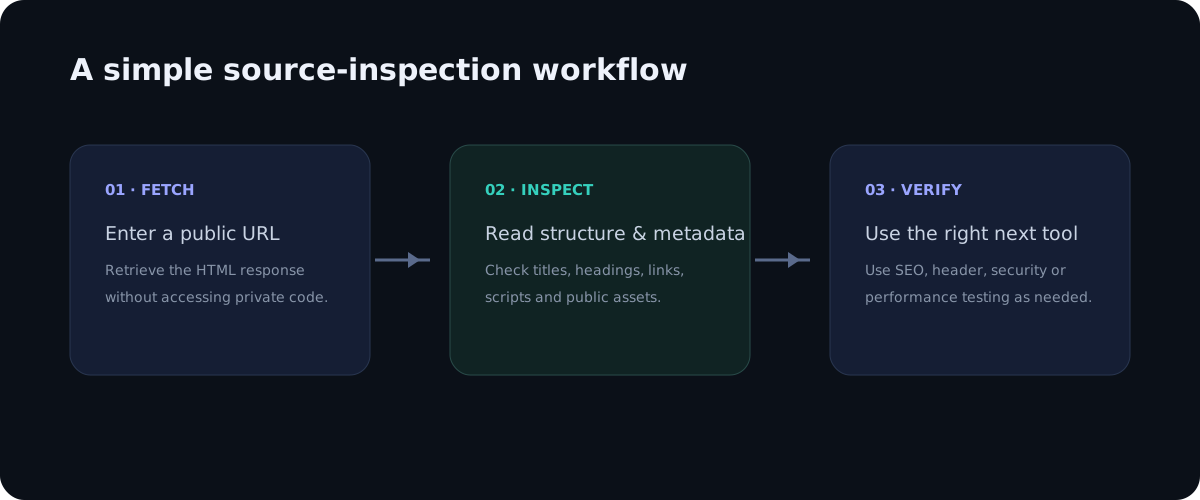
Source inspection is valuable because it turns an invisible technical layer into something you can read and reason about. The best workflow is simple: observe the public markup, identify a specific question, verify the relevant element, and then use a specialist tool when the question goes beyond HTML. This keeps technical analysis practical, evidence-based and easy to repeat across pages.
Deeper practical notes
Metadata audits are easier when you use a consistent order. Start with the document title, then description, robots, canonical, language, alternate language links, Open Graph and structured data. This order moves from basic page identity to indexing instructions and then to sharing and entity markup. It also reduces the chance of overlooking a directive hidden among unrelated scripts.
Watch for duplicate tags. A template can accidentally output two title elements, several descriptions or multiple canonical links. Browsers may tolerate messy markup, but multiple conflicting declarations make an audit harder and can create unpredictable signals. If you find duplicates, inspect the CMS template, SEO plugin configuration or server-side rendering logic that generated them.
Check URLs carefully. A metadata tag can exist and still be wrong because it points to a staging hostname, a different protocol, an old path or an unpreferred language version. The value of source inspection is not merely confirming that a tag exists; it is confirming that the value makes sense in the context of the page.
Look beyond the head when diagnosing SEO. Important internal links, image alternative text, headings, visible copy and structured content are also part of the document. A page with perfect metadata can still fail to satisfy the search intent. Source review should therefore be a quick technical layer around a broader content and user-experience evaluation.
For multilingual websites, inspect each language template rather than assuming one template is correct everywhere. Verify the html lang value, self-canonical, hreflang links and visible language. A single copied URL in the wrong language can create confusing signals even if the English version is perfect.
When a page changes frequently, remember that crawlers may see a different response at a later time. If a metadata issue is important, capture the URL, timestamp and relevant source lines. This creates a useful record for developers when debugging deployment or caching problems.
Applying the guide in a real audit
When applying this workflow to how to find seo meta tags in html source, begin with one concrete question rather than trying to audit everything at once. A focused question makes source inspection faster and produces evidence that can be shared with a developer, editor or SEO specialist. Record the page URL, the element you inspected and the observation you made. This simple habit turns an informal browser check into a repeatable technical review.
It is also useful to compare more than one page template. A homepage, article, category page and utility page can have different HTML structures even when they share the same brand. Looking at several examples helps distinguish a one-off issue from a template-level problem. If the same markup appears across many pages, the best fix is usually at the template or component level rather than by editing individual pages.
Keep the difference between evidence and interpretation clear. Seeing an element in source is evidence that the public response contains that element. It is not automatically evidence that a search engine indexed it, that a browser loaded every referenced asset, or that a backend process is secure. Strong technical analysis connects source observations with the right secondary test instead of making conclusions that the HTML alone cannot support.
Another practical benefit is documentation. A source viewer with readable line numbers makes it easier to describe an issue precisely: for example, a missing canonical, an unexpected robots directive, a duplicate heading, or a third-party script reference. Clear documentation shortens the feedback loop between SEO teams, developers and content owners because everyone can discuss the same technical evidence.
Finally, treat the public source as part of the user experience. The document should be understandable, semantically organized and consistent with the visible interface. Good HTML structure supports accessibility, maintainability and search understanding at the same time. A clean source document is not a guarantee of quality, but it is a strong foundation for a website that is easier to maintain and easier for people and machines to interpret.