Canonical tags in plain language
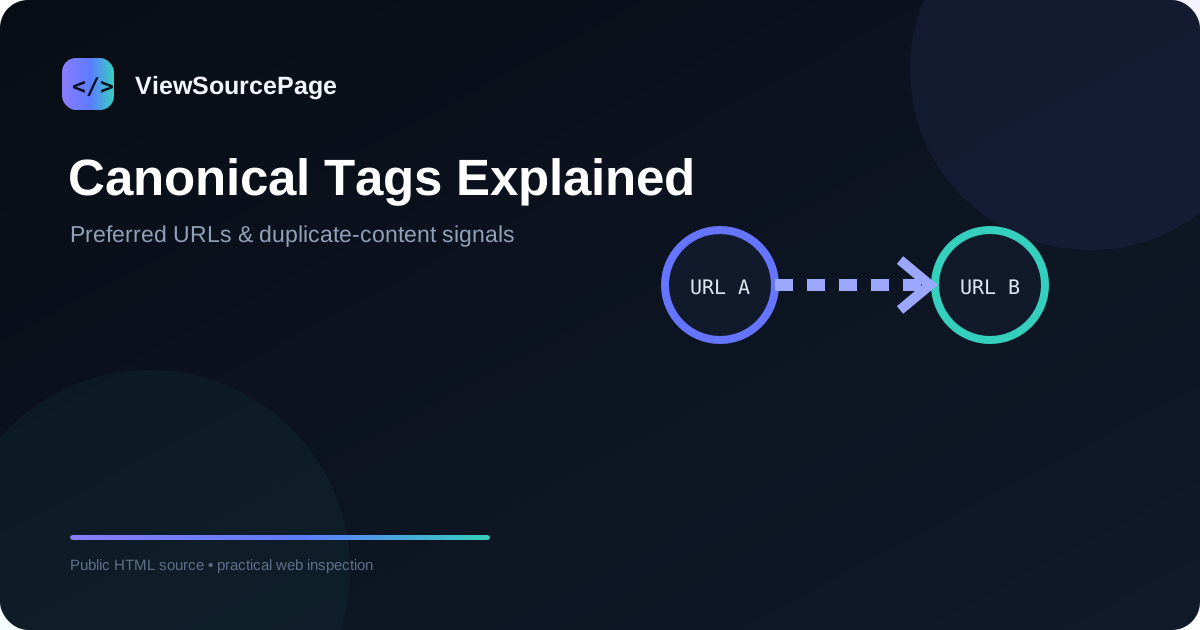
A canonical tag is an HTML link element that tells search engines which URL a page prefers when multiple URLs represent the same or very similar content. It is usually written as link rel="canonical" href="..." inside the head. The canonical is a signal, not a guarantee that a search engine must obey.
Continue exploring: Use the ViewSourcePage source analyzer to inspect a public page, then compare your findings with our guide on H1 to H6 Heading Structure: A Practical SEO & HTML Guide.
Why duplicate URLs happen
Duplicate or near-duplicate URLs can arise from parameters, tracking links, printer versions, category filters, HTTP/HTTPS variants, host aliases and trailing-slash conventions. A site can unintentionally create many addresses for one piece of content. Canonicals help communicate the preferred version.
How to inspect a canonical
Open the source of the page and search for canonical. Check the href value and compare it with the current URL. A common best practice is a self-referencing canonical on the preferred page, but the correct strategy depends on the site architecture.
Common canonical mistakes
Watch for canonicals pointing to staging domains, unrelated pages, redirected URLs, non-indexable destinations or outdated versions. Another issue is inconsistent canonicals across language pages. A canonical should not be used to hide a fundamentally different page from search engines.
Canonical versus redirect
A redirect sends a user and crawler to another URL. A canonical leaves the current page accessible while indicating a preferred URL for indexing signals. The two mechanisms solve different problems and should not be treated as interchangeable.
Canonical versus hreflang
Hreflang identifies language or regional alternates; canonical identifies the preferred representative of similar content. A multilingual site can have a self-canonical on each language version while also connecting those versions with hreflang. The exact implementation must be internally consistent.
Canonical and internal links
Internal links should generally support the preferred URL structure. If navigation repeatedly links to a parameterized URL while the canonical points to a clean URL, the site is sending mixed signals. Source inspection can reveal those inconsistencies quickly.
Testing at scale
For a small site, manual source inspection is useful. For a large site, use a crawler to collect canonical values across many pages. A source viewer is best for spot checks, debugging and learning, while a crawler is better for identifying patterns and anomalies across an entire domain.
A practical audit checklist
Check that the canonical is present where intended, uses HTTPS, uses the preferred hostname, resolves successfully, is not blocked unexpectedly, and aligns with internal links and sitemap URLs. Then review alternate language relationships and redirect chains when relevant.
Conclusion
Canonical tags are simple to read but important to interpret correctly. Viewing page source gives you direct evidence of what a page declares. Use that evidence alongside redirects, sitemaps, internal links and Search Console data to understand the complete indexing strategy.
A practical checklist
Use this checklist when reviewing a real page so the process stays repeatable rather than relying on memory.
- Compare canonical with current URL
- Check redirects
- Review internal links
- Check sitemap consistency
- Audit alternate language URLs
Frequently asked questions
Does source inspection show private backend code?
No. A browser receives only the public response needed to render or process the page. Private application logic, databases, server credentials and protected files remain on the server.
Is a source viewer a replacement for a full audit?
No. It is a focused inspection layer. Use dedicated SEO, accessibility, performance, security and analytics tools when you need deeper evidence.
Final thoughts
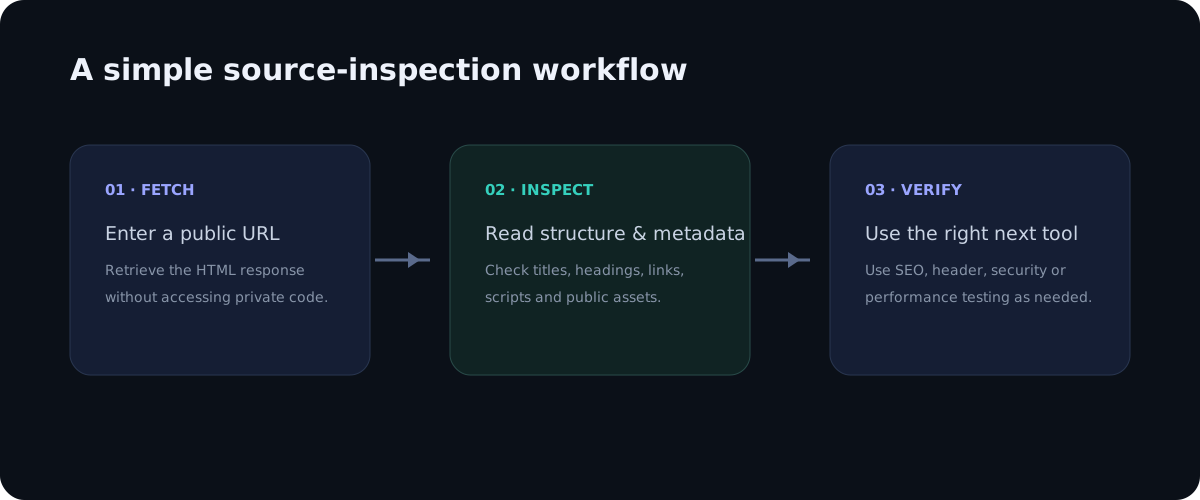
Source inspection is valuable because it turns an invisible technical layer into something you can read and reason about. The best workflow is simple: observe the public markup, identify a specific question, verify the relevant element, and then use a specialist tool when the question goes beyond HTML. This keeps technical analysis practical, evidence-based and easy to repeat across pages.
Deeper practical notes
Canonical tags work best when the preferred URL is also supported by the rest of the site. If the sitemap lists one address, navigation links use another, redirects point to a third and the canonical points to a fourth, crawlers receive mixed signals. A source review is valuable because it exposes the declaration directly on the page, while a crawler can reveal inconsistencies across many URLs.
Parameter-heavy websites deserve special attention. Filtering, sorting, tracking and session parameters can create many URLs that display similar content. Not every parameter should automatically be canonicalized away; some represent genuinely distinct pages. The correct decision depends on whether the URL represents a separate useful resource or merely another way to reach the same document.
Canonicalization is also important during migrations. If a site moves from HTTP to HTTPS or changes its hostname, old templates can retain stale canonical values. Review representative pages after deployment and make sure canonical, sitemap, internal links and redirects all use the new preferred format.
International sites require careful separation of language and duplication concepts. A French page and an English page can be alternate versions rather than duplicates that should canonicalize to one language. Each should normally identify its own preferred URL while hreflang communicates the relationship between versions when appropriate.
Canonical tags should never be treated as a privacy or access-control mechanism. A canonical does not hide a page from visitors, and it does not prevent someone from opening the URL directly. If content must be restricted, use authentication or other appropriate controls. Canonicalization is primarily a search-engine signal.
When a canonical points to a page that returns an error, redirects unexpectedly or is itself marked noindex, the configuration deserves investigation. A preferred URL should be a healthy, accessible representation of the content. Source inspection can reveal the declaration, but HTTP status and indexing tools are needed to validate the destination.
Applying the guide in a real audit
When applying this workflow to canonical tags explained: how to check them in page source, begin with one concrete question rather than trying to audit everything at once. A focused question makes source inspection faster and produces evidence that can be shared with a developer, editor or SEO specialist. Record the page URL, the element you inspected and the observation you made. This simple habit turns an informal browser check into a repeatable technical review.
It is also useful to compare more than one page template. A homepage, article, category page and utility page can have different HTML structures even when they share the same brand. Looking at several examples helps distinguish a one-off issue from a template-level problem. If the same markup appears across many pages, the best fix is usually at the template or component level rather than by editing individual pages.
Keep the difference between evidence and interpretation clear. Seeing an element in source is evidence that the public response contains that element. It is not automatically evidence that a search engine indexed it, that a browser loaded every referenced asset, or that a backend process is secure. Strong technical analysis connects source observations with the right secondary test instead of making conclusions that the HTML alone cannot support.
Another practical benefit is documentation. A source viewer with readable line numbers makes it easier to describe an issue precisely: for example, a missing canonical, an unexpected robots directive, a duplicate heading, or a third-party script reference. Clear documentation shortens the feedback loop between SEO teams, developers and content owners because everyone can discuss the same technical evidence.
Finally, treat the public source as part of the user experience. The document should be understandable, semantically organized and consistent with the visible interface. Good HTML structure supports accessibility, maintainability and search understanding at the same time. A clean source document is not a guarantee of quality, but it is a strong foundation for a website that is easier to maintain and easier for people and machines to interpret.