The core difference
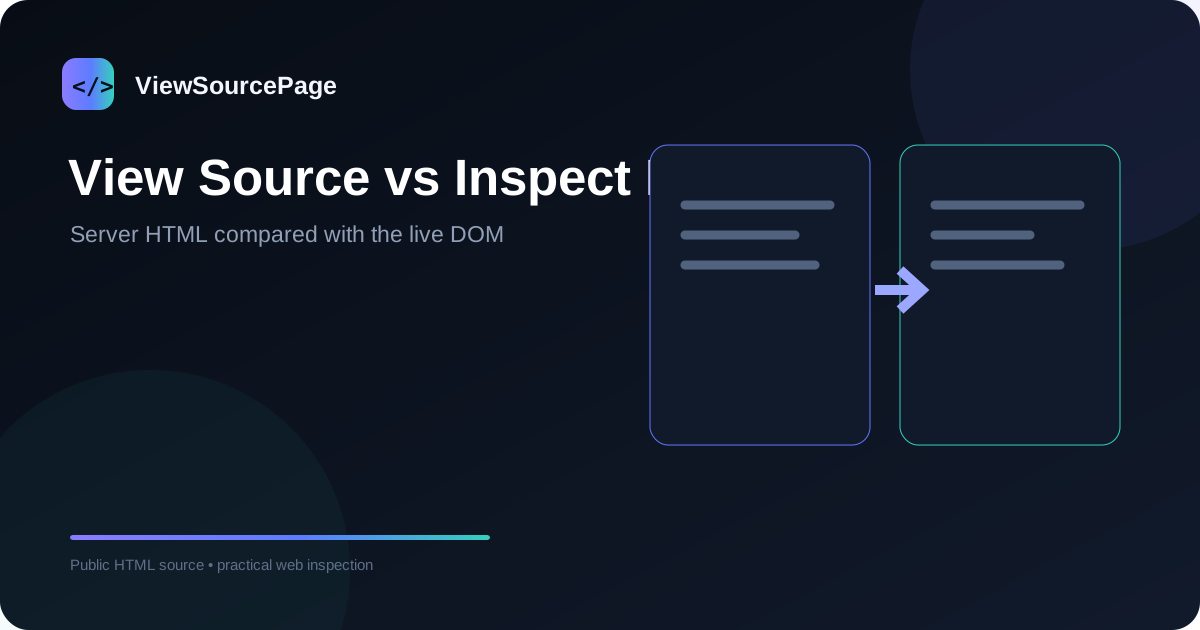
View Source shows the HTML document returned by the server, while Inspect Element shows the live Document Object Model maintained by the browser. The two views can look similar on simple websites, but modern JavaScript applications can make the difference significant. Understanding this distinction prevents many debugging and SEO mistakes.
Continue exploring: Use the ViewSourcePage source analyzer to inspect a public page, then compare your findings with our guide on How to Find SEO Meta Tags in HTML Source.
What View Source represents
When a browser requests a URL, the server returns a response that can include an HTML document. View Source displays that document in a readable source representation. It can include metadata, headings, links and placeholders that were present before browser scripts modified the page.
What Inspect Element represents
Inspect Element is part of browser developer tools. It exposes the live DOM after the browser has parsed HTML and potentially executed JavaScript. You can edit attributes, observe computed styles, inspect event-related behavior and see nodes that were added after the initial response.
Why JavaScript changes the picture
A JavaScript application may receive a minimal HTML shell and then request data or build components in the browser. In that case, a visible heading may not appear in the original response. Conversely, server-rendered applications can place substantial content directly in the initial HTML. Comparing both views helps identify how a page is rendered.
SEO implications
For technical SEO, the difference matters because crawlers need to process the page in ways that are not identical to simply looking at the screen. Search engines can render JavaScript, but rendering has its own cost and complexity. Source inspection can show whether important metadata and content exist in the initial HTML, while rendered inspection can help investigate client-side changes.
Debugging workflow
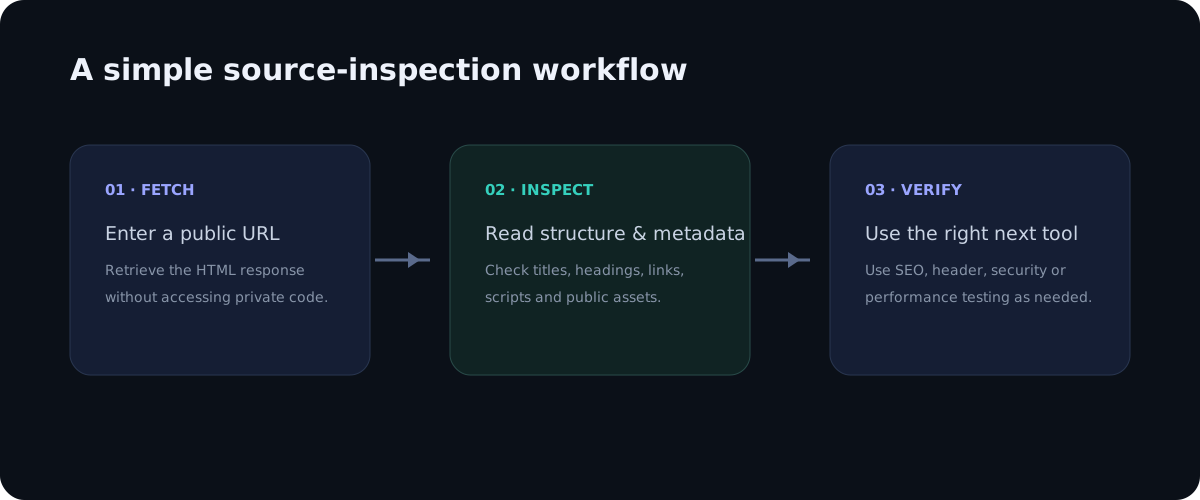
Start with View Source when you want to know what the server returned. Then open Inspect Element when you need to understand the final DOM, CSS, or runtime behavior. If the two differ, inspect the scripts responsible for the change and consider whether the difference is intentional.
Common beginner mistake
One common mistake is assuming that anything visible in Inspect Element must have existed in the original HTML. That is not always true. Browser tools show a current state, not necessarily the initial response. The opposite mistake is assuming that source is the entire application. It is not; private server logic remains outside the browser.
When to use each tool
Use View Source for metadata, initial HTML, canonical tags, source links and server-delivered markup. Use Inspect Element for CSS debugging, DOM changes, accessibility checks on the live tree and layout investigation. Use both when a page behaves differently from the HTML you expected.
A simple comparison exercise
Pick a dynamic webpage and inspect its H1 in both views. If the text is identical, the page may be server-rendered or otherwise present in the initial response. If the source contains a placeholder while the live DOM contains the final heading, JavaScript is likely involved. This simple exercise demonstrates the concept without requiring a framework-specific setup.
Conclusion
View Source and Inspect Element are complementary, not competing tools. Source answers what the server initially delivered; Inspect Element answers what the browser is currently working with. Once you understand that distinction, debugging, SEO analysis and frontend learning become much more straightforward.
A practical checklist
Use this checklist when reviewing a real page so the process stays repeatable rather than relying on memory.
- Check the raw response
- Open the live DOM
- Compare JavaScript-generated content
- Inspect CSS separately
- Use the right tool for the question
Frequently asked questions
Does source inspection show private backend code?
No. A browser receives only the public response needed to render or process the page. Private application logic, databases, server credentials and protected files remain on the server.
Is a source viewer a replacement for a full audit?
No. It is a focused inspection layer. Use dedicated SEO, accessibility, performance, security and analytics tools when you need deeper evidence.
Final thoughts
Source inspection is valuable because it turns an invisible technical layer into something you can read and reason about. The best workflow is simple: observe the public markup, identify a specific question, verify the relevant element, and then use a specialist tool when the question goes beyond HTML. This keeps technical analysis practical, evidence-based and easy to repeat across pages.
Deeper practical notes
The distinction becomes especially clear with a client-rendered application. The initial response might contain a root element and several script references, while the browser later inserts headings, cards and navigation items into that root. View Source shows the initial document; Inspect Element shows the populated DOM. Neither view is wrong. They answer different questions about the same page.
Browser developer tools also expose computed styles and layout information that source cannot provide. If a button is invisible because of CSS, Inspect Element can show the rule causing the problem. If you want to know whether the button exists in the server response, View Source is the better starting point. Separating these questions saves time during debugging.
For accessibility testing, the live DOM is often important because browser processing can affect the tree exposed to assistive technology. Source still matters because it shows the markup before runtime changes. A serious audit can therefore use both representations and then verify the result with an accessibility testing tool and manual keyboard or screen-reader testing.
For SEO, do not make the simplistic assumption that search engines only read raw HTML. Modern crawlers can render JavaScript, but rendering is a separate processing stage and may have different timing and resource constraints. The practical lesson is to make important content and metadata available in robust HTML when possible, while testing dynamic experiences carefully.
For frontend frameworks, the exact behavior differs. React, Vue, Svelte and other systems can be used with server-side rendering, static generation or client-side rendering. The framework name alone does not tell you whether useful content is present in the initial response. Inspect the actual source of the page you care about.
A useful habit is to take a screenshot or save a small source excerpt when documenting a bug. Record whether the evidence came from source or the live DOM. That single label prevents teammates from assuming that an element visible in DevTools must have existed in the original response.
Applying the guide in a real audit
When applying this workflow to view source vs inspect element: what is the difference?, begin with one concrete question rather than trying to audit everything at once. A focused question makes source inspection faster and produces evidence that can be shared with a developer, editor or SEO specialist. Record the page URL, the element you inspected and the observation you made. This simple habit turns an informal browser check into a repeatable technical review.
It is also useful to compare more than one page template. A homepage, article, category page and utility page can have different HTML structures even when they share the same brand. Looking at several examples helps distinguish a one-off issue from a template-level problem. If the same markup appears across many pages, the best fix is usually at the template or component level rather than by editing individual pages.
Keep the difference between evidence and interpretation clear. Seeing an element in source is evidence that the public response contains that element. It is not automatically evidence that a search engine indexed it, that a browser loaded every referenced asset, or that a backend process is secure. Strong technical analysis connects source observations with the right secondary test instead of making conclusions that the HTML alone cannot support.
Another practical benefit is documentation. A source viewer with readable line numbers makes it easier to describe an issue precisely: for example, a missing canonical, an unexpected robots directive, a duplicate heading, or a third-party script reference. Clear documentation shortens the feedback loop between SEO teams, developers and content owners because everyone can discuss the same technical evidence.
Finally, treat the public source as part of the user experience. The document should be understandable, semantically organized and consistent with the visible interface. Good HTML structure supports accessibility, maintainability and search understanding at the same time. A clean source document is not a guarantee of quality, but it is a strong foundation for a website that is easier to maintain and easier for people and machines to interpret.